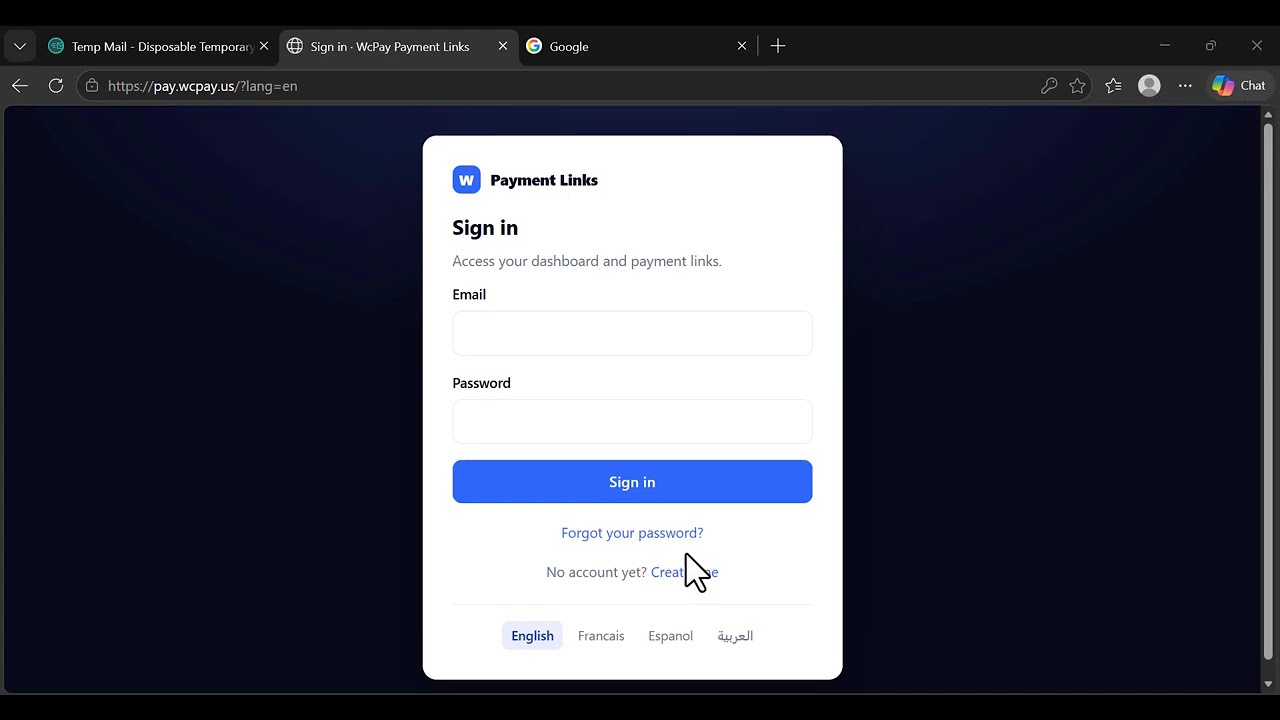
Create your account
Sign up on pay.wcpay.us, confirm your email with the five-digit code we
send you, paste your activation key, and add the wallet address that will
receive your settlements. Two minutes, once and for all.
Write the invoice
Title, line items, quantities, discount, tax, your customer's details. Your
logo, your colour, your address and your tax number are printed on it, and
the total is calculated as you type.
Send the link
Copy it into WhatsApp, an email, a DM. Your customer opens a real invoice,
picks how to pay, and you receive USDC on Polygon. You see the payment land
in your dashboard.
Setting up your payment links once, properly
The wallet address deserves a minute of care, because it is where your money
goes. It must be a wallet you control on the Polygon network — a
self-custody wallet, or a deposit address at an exchange that accepts USDC on
Polygon. Paste it once in your settings and every payment link you create from
then on settles there. If you prefer, you can set a different receiving address
for each payment method, which is useful when one rail pays out in a different
token: PayPal settles in PYUSD, and has its own field for that reason.
The second thing worth doing on day one is choosing which methods appear. By
default a payment link offers everything your plan allows, and that is rarely
what you want. A method your customer cannot actually use sends them to a
refusal page, and a refusal page is the most avoidable cause of an abandoned
payment.
If you sell mainly in Europe, keep cards, iDEAL and the wallets, and
switch off the rails that only exist elsewhere. If you sell mainly in India,
UPI belongs at the top. You can change the selection whenever you like, one
by one or in bulk, and the change applies to every payment link immediately.
Writing payment links that get paid
An invoice that gets paid quickly says three things clearly: who is asking, for
what, and by when. Payment links give you a field for each. Line items take a
description, a quantity and a unit price, and the subtotal follows as you type.
A discount can be applied to the whole invoice. Tax is a named rate, not a
generic percentage, so a US invoice can say “Sales tax 8.875 %”,
a Canadian one “GST”, and a British one “VAT”, each
calculated and shown as its own line.
A due date is printed at the top, and the
notes field at the bottom is where your terms, your bank details for the rare
client who insists on a transfer, or a thank-you sentence belong.
Once a payment link exists you are not stuck with it. As long as nobody has
paid it, you can edit every detail — the amount, the quantities, the tax,
the payer's information — and the link itself stays the same, so a client
who already has it still opens the corrected version. You can cancel one, delete
one, or select several and act on them together. Once an invoice has genuinely
been settled it locks, because a paid invoice is a record and records should not
be rewritten.