The WooCommerce Apple Pay plugin from WcPay lets any merchant — including those in high-risk niches — accept Apple Pay directly on their WooCommerce checkout and receive instant USDT payouts to a crypto wallet. Unlike Stripe or PayPal integrations, the WooCommerce Apple Pay plugin by WcPay requires no company registration, no KYC, and carries zero chargeback risk because every sale settles in stablecoin.
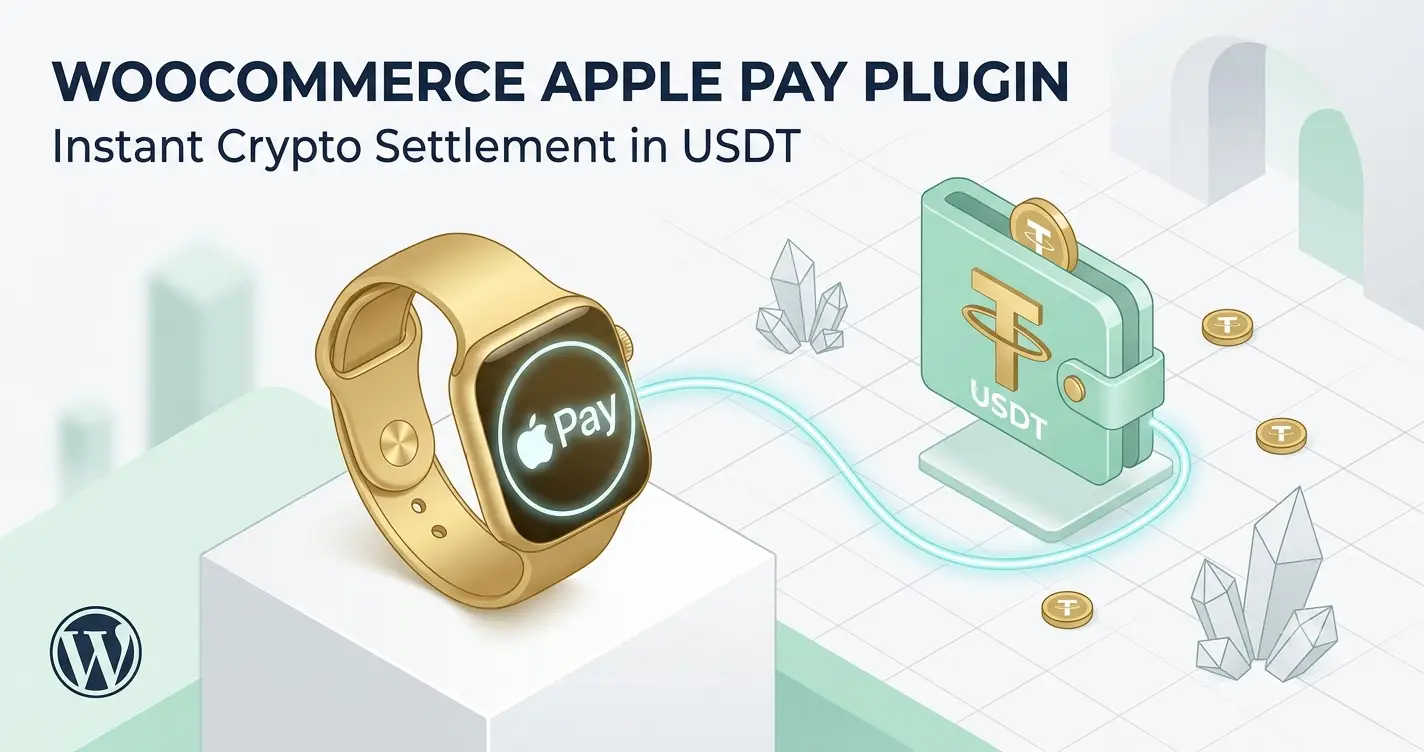
- WcPay’s WooCommerce Apple Pay plugin settles every sale instantly in USDT — no bank delays.
- High-risk merchants can accept Apple Pay without Stripe, PayPal, or an LLC.
- Setup takes under 60 seconds: install the plugin, enter your serial key, add your USDT wallet address.
- The card2crypto model converts Apple Pay charges to USDT before any chargeback can be filed.
- Supported payment methods include Apple Pay, Google Pay, credit cards, PayPal, Revolut Pay, and Binance Pay.
- Free lifetime updates are included with every WcPay license purchased at wcpay.us/.
- Apple Pay on WooCommerce no longer requires Stripe — WcPay is a direct alternative.
- USDT settlement eliminates chargebacks structurally, not just procedurally.
- You only need a WooCommerce site and a USDT wallet (e.g., Trust Wallet) to get started.
- The plugin works for all high-risk industries: supplements, adult, IPTV, CBD, dropshipping, and more.
- One plugin activates Apple Pay, Google Pay, cards, PayPal, and local payment methods simultaneously.
- No monthly fees, no rolling reserves, no account suspension risk.
- What Is the WooCommerce Apple Pay Plugin by WcPay?
- Why Apple Pay Matters for High-Risk WooCommerce Stores
- How Instant USDT Settlement Works With Apple Pay
- How to Set Up the WooCommerce Apple Pay Plugin in Under 60 Seconds
- WcPay vs. Stripe for Apple Pay: Feature Comparison
- Which Merchants Benefit Most From Apple Pay USDT Payouts?
- Common Mistakes to Avoid When Enabling Apple Pay on WooCommerce
- Frequently Asked Questions
What Is the WooCommerce Apple Pay Plugin by WcPay?
The WooCommerce Apple Pay plugin by WcPay is a card2crypto payment gateway built specifically for WooCommerce stores that need to accept Apple Pay without relying on Stripe or PayPal. It integrates natively into the WooCommerce checkout page, displaying the Apple Pay button alongside other supported methods.
When a customer pays with Apple Pay, the transaction is processed through WcPay’s infrastructure. The merchant receives the equivalent value in USDT — a USD-pegged stablecoin — directly to their nominated crypto wallet, typically within seconds of the sale completing.
This model is fundamentally different from traditional gateways. There is no merchant account to be suspended, no rolling reserve held by a bank, and no chargeback mechanism available to the buyer once the crypto payout is dispatched.
Why Apple Pay Matters for High-Risk WooCommerce Stores
The WooCommerce Apple Pay plugin is critical for high-risk stores because Apple Pay is one of the highest-converting checkout methods available on mobile devices. Shoppers using iPhones and Safari complete purchases faster with biometric authentication, which directly reduces cart abandonment.
Traditional Apple Pay integrations — through Stripe or Square — require a standard merchant account. High-risk businesses in niches like supplements, IPTV, adult content, CBD, or forex are routinely rejected or banned by those processors. WcPay removes that barrier entirely.
According to publicly available Apple developer documentation, Apple Pay is supported on all Apple devices running iOS 10 or later, covering a very large share of global smartphone users. Capturing that audience without a Stripe account is the core value of WcPay’s approach.
Mobile Conversion Advantage
Apple Pay eliminates the need for customers to type card numbers on mobile screens. This single-tap checkout experience is particularly valuable for impulse purchases and subscription renewals — two transaction types that are disproportionately common in high-risk niches.
Stores that add the WooCommerce Apple Pay plugin typically see measurable improvement in mobile checkout completion rates. The exact lift varies by niche and traffic source, but the directional benefit is well-documented across the e-commerce industry.
How Instant USDT Settlement Works With Apple Pay
Instant USDT settlement via the WooCommerce Apple Pay plugin works through a card2crypto conversion layer: the customer pays in fiat (via Apple Pay), and the gateway converts and forwards the net amount to the merchant’s USDT wallet before any chargeback window can open.
USDT (Tether) is a stablecoin pegged 1:1 to the US dollar. Merchants receive a predictable value without cryptocurrency volatility. The payout lands in any compatible wallet — Trust Wallet, MetaMask, Binance, or a hardware wallet — with no intermediary bank involved.
Because the settlement is in cryptocurrency, it is irreversible by design. This is the structural reason why the WcPay model produces zero chargebacks — not a policy, but a technical property of blockchain transactions.
How to Set Up the WooCommerce Apple Pay Plugin in Under 60 Seconds
Setting up the WooCommerce Apple Pay plugin requires only three things: a live WooCommerce store, a USDT-compatible crypto wallet, and a WcPay license from wcpay.us/. No company registration, no KYC documents, and no bank account are needed.
Installation Steps
After ordering at wcpay.us/, you receive the plugin file, an activation serial key, and a full setup guide. Upload the plugin through the WordPress admin panel under Plugins > Add New > Upload Plugin.
Enter your serial key in the WcPay settings screen, paste your USDT wallet address, and save. The Apple Pay button — along with Google Pay, card fields, and other supported methods — appears automatically on your WooCommerce checkout page.
The entire process takes under one minute for most merchants. There is no domain verification file required, no Stripe dashboard configuration, and no Apple developer account needed when using WcPay as the intermediary processor.
For a detailed walkthrough, the WooCommerce Apple Pay setup guide for high-risk merchants covers every configuration option in plain language.
WcPay vs. Stripe for Apple Pay: Feature Comparison
The WooCommerce Apple Pay plugin from WcPay differs from Stripe’s Apple Pay integration across several dimensions that matter most to high-risk merchants. The table below summarizes the key differences.
| Feature | WcPay (wcpay.us/) | Stripe Apple Pay |
|---|---|---|
| Apple Pay support | Yes — native | Yes — native |
| High-risk merchant approval | Instant, no review | Often rejected or banned |
| Settlement currency | USDT (stablecoin) | Fiat (USD, EUR, etc.) |
| Chargeback exposure | Zero — crypto is irreversible | Full chargeback risk |
| Company registration required | No | Yes (in most countries) |
| KYC required | No | Yes |
| Account suspension risk | None | High for restricted niches |
| Monthly fees | None | None (but reserve possible) |
| Other payment methods | Google Pay, cards, PayPal, Revolut, Binance Pay, Interac, UPI | Cards, Google Pay, Link |
| Setup time | Under 60 seconds | 30–60 minutes (verification) |
The structural advantage of WcPay is not just feature parity — it is the elimination of the account-ban risk that makes Stripe unsuitable for entire categories of legitimate businesses. You can read more about Apple Pay for high-risk merchants and why traditional processors fall short.
Which Merchants Benefit Most From Apple Pay USDT Payouts?
The WooCommerce Apple Pay plugin is particularly valuable for merchants whose businesses are classified as high-risk by conventional payment processors. These include, but are not limited to, the following categories.
- Supplements and nutraceuticals — high chargeback rates and subscription models trigger Stripe bans frequently.
- IPTV and streaming services — classified as high-risk due to recurring billing and digital delivery.
- Adult content platforms — most mainstream processors refuse onboarding entirely.
- CBD and hemp stores — legal in many jurisdictions but still flagged by card networks.
- Dropshipping businesses — long fulfillment windows generate disproportionate dispute rates.
- Forex and trading platforms — financial services face strict underwriting criteria.
- Freelancers and individuals — no LLC or Ltd means automatic rejection from most gateways.
All of these merchant types can accept Apple Pay through WcPay without any of the restrictions that Stripe or PayPal impose. The ability to accept Apple Pay without company registration is a genuine operational advantage for sole traders and early-stage businesses.
For merchants operating across borders, WcPay also supports payments from over 150 countries, making the WooCommerce Apple Pay plugin a genuinely global solution without the geographic restrictions common in traditional acquiring.
Common Mistakes to Avoid When Enabling Apple Pay on WooCommerce
Merchants enabling the WooCommerce Apple Pay plugin for the first time sometimes make configuration errors that delay their first payout or reduce checkout conversion. Avoiding these mistakes ensures a smooth launch.
Mistake 1: Using an Exchange Wallet Address Instead of a Personal Wallet
Exchange deposit addresses (e.g., from Binance or Kraken) can change or expire. Use a personal non-custodial wallet like Trust Wallet or MetaMask to receive USDT payouts. This ensures you retain full control of your funds at all times.
Mistake 2: Not Testing the Checkout on an iOS Device
Apple Pay only renders on Safari running on Apple hardware. Testing on Chrome or Android will not display the button. Always verify the checkout on an iPhone or iPad before going live to confirm the Apple Pay button is visible.
Mistake 3: Selecting the Wrong USDT Network
USDT exists on multiple blockchains (TRC-20, ERC-20, BEP-20). Confirm which network WcPay uses for payouts and ensure your wallet is configured to receive on that same network. Sending USDT to the wrong network address results in lost funds.
Mistake 4: Leaving the Old Stripe or PayPal Gateway Active
Running WcPay alongside a suspended Stripe account creates confusion at checkout and can trigger duplicate payment attempts. Disable or remove any previously banned gateway before activating WcPay to keep the checkout clean and conversion-optimized.
For more on protecting your store from payment disruptions, the guide on how instant crypto payouts protect WooCommerce stores from chargebacks explains the full risk model in detail. You can also review the broader context of chargebacks on Wikipedia to understand why crypto settlement eliminates this risk at the protocol level.
Frequently Asked Questions
Does the WooCommerce Apple Pay plugin work without a Stripe account?
Yes. The WooCommerce Apple Pay plugin by WcPay is completely independent of Stripe. It processes Apple Pay payments through its own card2crypto infrastructure and settles in USDT. You do not need a Stripe account, a Stripe verification, or any relationship with Stripe to use it.
How quickly do USDT payouts arrive after an Apple Pay transaction?
The WooCommerce Apple Pay plugin by WcPay is designed for instant crypto payouts. In most cases, USDT arrives in the merchant’s wallet within seconds to a few minutes of the customer completing the Apple Pay transaction. There are no batch settlement windows or next-day delays.
Can I use the WooCommerce Apple Pay plugin without registering a company?
Yes. WcPay requires only a functioning WooCommerce website and a USDT wallet. No LLC, Ltd, or any other business entity registration is required. This makes the WooCommerce Apple Pay plugin accessible to freelancers, sole traders, and individuals who cannot or do not want to incorporate.
Is the WooCommerce Apple Pay plugin suitable for adult content or IPTV stores?
Yes. WcPay was specifically built for high-risk merchants, including adult content platforms, IPTV providers, CBD stores, supplement brands, and similar businesses that are routinely rejected by mainstream processors. The card2crypto model removes the underwriting criteria that block these niches from accepting Apple Pay elsewhere.
What happens if a customer disputes an Apple Pay charge processed through WcPay?
Because the merchant’s payout is settled in USDT — an irreversible blockchain transaction — there is no chargeback mechanism that can claw back funds already in the merchant’s wallet. The WooCommerce Apple Pay plugin structurally eliminates chargebacks rather than managing them after the fact.
Does the WooCommerce Apple Pay plugin support other payment methods too?
Yes. Installing the WooCommerce Apple Pay plugin from WcPay simultaneously activates Google Pay, credit and debit cards, PayPal, Revolut Pay, Binance Pay, Interac, and UPI at checkout. Merchants get a full multi-method checkout with a single plugin installation and one serial key.
What wallet should I use to receive USDT payouts from Apple Pay sales?
Any non-custodial USDT-compatible wallet works. Trust Wallet and MetaMask are the most commonly used options. Confirm the correct network (TRC-20, ERC-20, or BEP-20) before entering your address in the WcPay plugin settings to ensure payouts arrive on the right blockchain.
Are there monthly fees or rolling reserves with the WooCommerce Apple Pay plugin?
WcPay charges no monthly subscription fees and holds no rolling reserve. The WooCommerce Apple Pay plugin is purchased once at wcpay.us/ and includes free lifetime updates. There are no hidden banking fees, no reserve requirements, and no risk of funds being frozen in a merchant account.
The WooCommerce Apple Pay plugin by WcPay is the most practical path for high-risk merchants who want to accept Apple Pay and receive instant USDT settlement without the account bans, chargebacks, and bureaucracy of traditional payment processors. If your store has been rejected by Stripe or PayPal, or if you simply want a chargeback-free checkout that works globally without company registration, visit Apple Pay for WooCommerce with no chargebacks, no bans, and no limits to get started today.